The black box know as container labels
Sensitivity labels on the container level can be used to control the access to Microsoft 365 Groups, Teams and SharePoint Online sites and how information is shared. But is this a bug? Read on…
Sensitivity labels on the container level can be used to control the access to Microsoft 365 Groups, Teams and SharePoint Online sites and how information is shared. But is this a bug? Read on…

A re-visit to Adaptive Protection and the new preview function of retaining information based on risks.
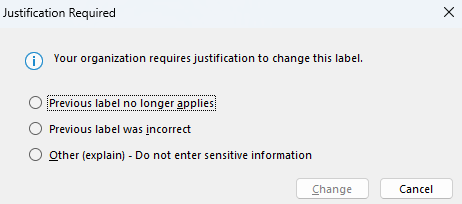
Why do I get an e-mail stating that there is a mismatch between my labeled file and SharePoint? It’s because of the label hierarchy.
A bit of news on Microsoft Purview Information Protection, including the new client and some GUI changes.

Sensitivity labels are able to disable the option to print and/or export a document, thus protecting the sensitive content. But what if an user simply uses
in the browser and we cannot use Endpoint DLP?

As we all know, you can track and trace documents when they have been configured for User Defined Permissions. Right? 🙂 The current portal is being moved to Microsoft Purview. So let’s see how this looks.

A short and quick guide on how to run the AIP Scanner in a form of “detect-only” mode.

A short and quick guide on how to run the AIP Scanner in a form of “detect-only” mode.

What are the VIEW and EXTRACT permissions needed by Microsoft 365 Copilot?

What are sensitive sites in endpoint DLP and what can you do with these?
 Information security and compliance